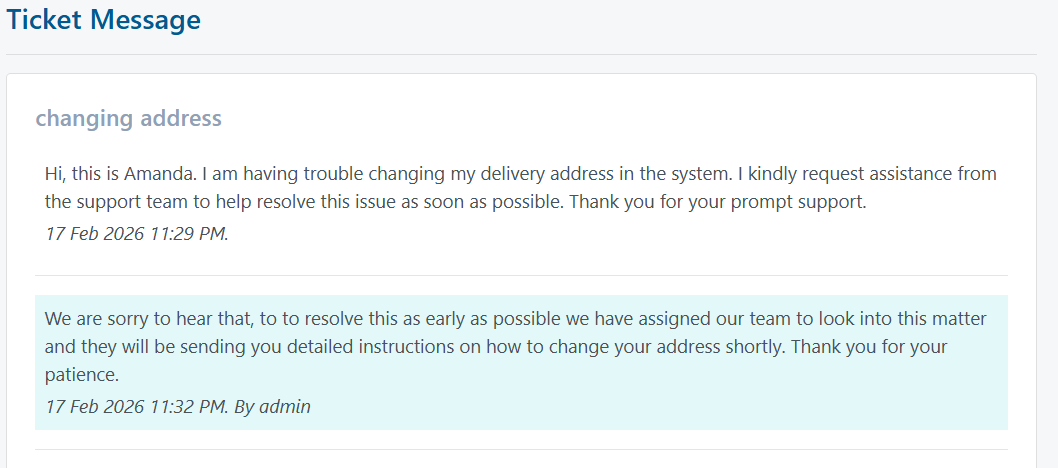
Support
MusicPlanet has a built-in support system that allows users to raise a ticket anytime they experience difficulties or have questions.
First, the user must be logged in to perform this action.
After logging in, go to the top right corner and click on "My Tickets". Once you click on it, a similar page will appear where you can create and manage your support requests.
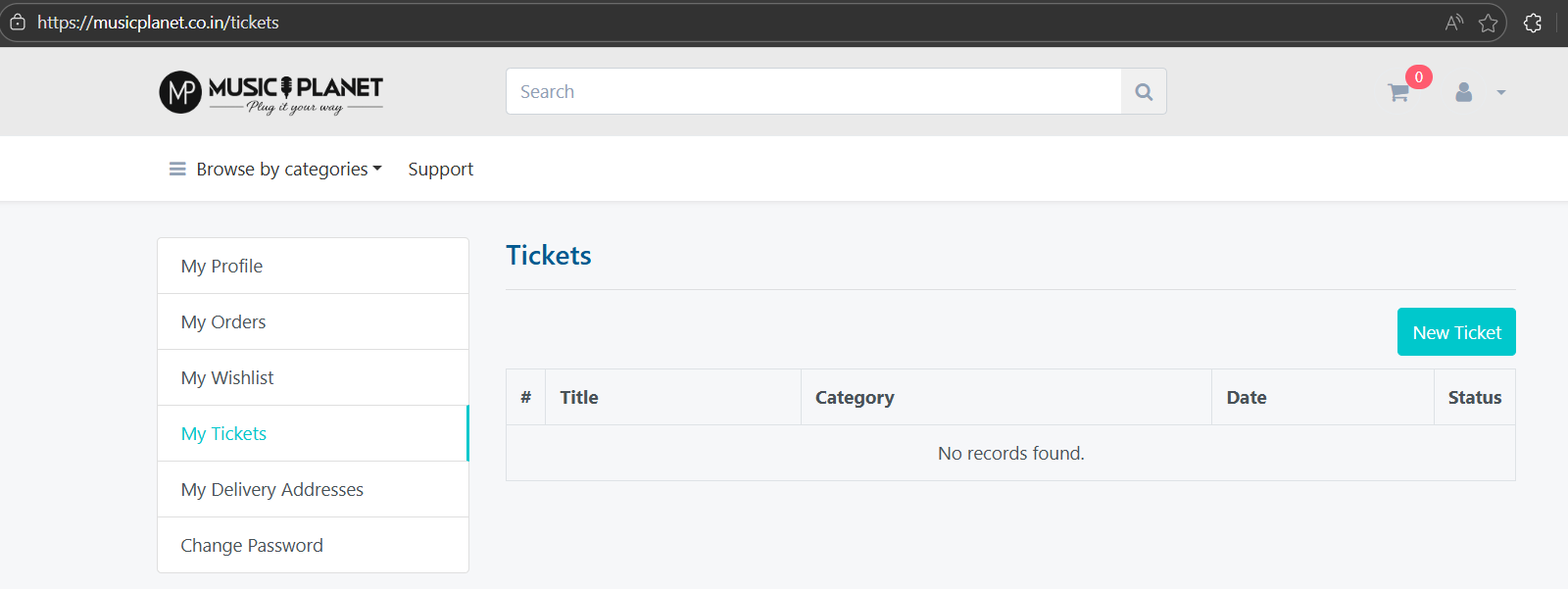
Now click on "New Ticket" to create a new support request. Please note that users must choose one of the two available categories: Payment Issue or Technical Issue.
An image illustrating this step is shown below.
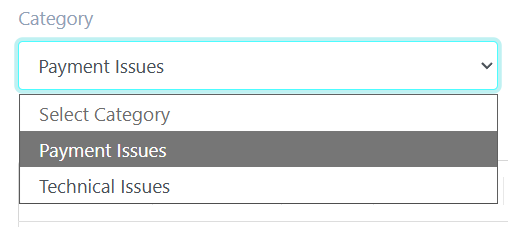
After selecting the appropriate category, you can describe your issue in detail and submit it to the support team. They will review your request and get back to you as soon as possible. Typically, response times are quick, and most queries are addressed within a short period.